
The Catalog is the list of services and options you add to orders — set it up once, then pick from it on every job. Tap Catalog in the menu.
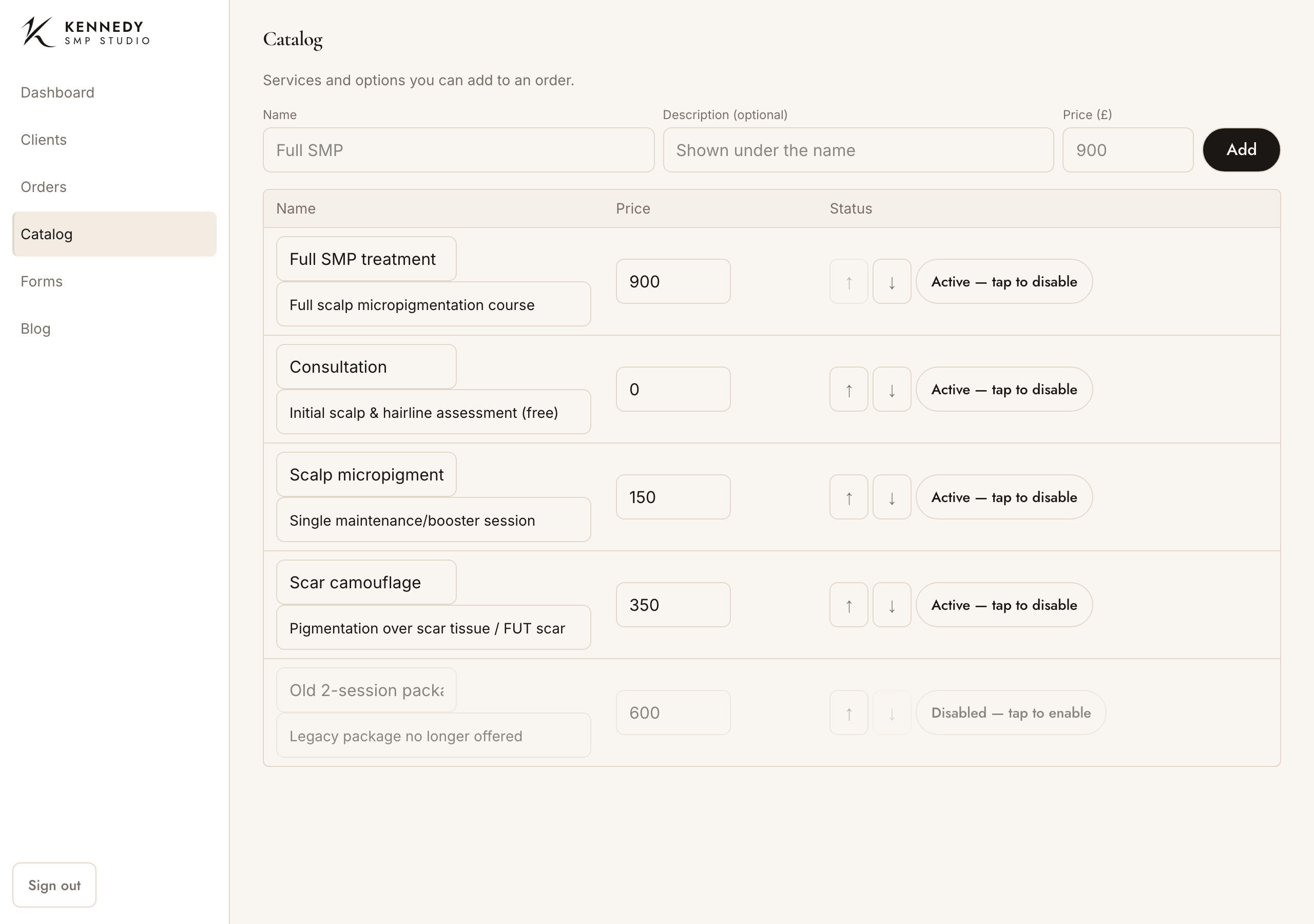
Add a service
At the top, fill in:
- Name (e.g. “Full SMP treatment”)
- Description (optional — shown under the name)
- Price (£)
Tap Add. It appears in the list below and is immediately available on orders.
Edit a service (any time)
Everything is editable in place — just tap the field:
- Name — tap it, change it, press Enter or tap away. You’ll see “Saved”.
- Description — same.
- Price — same; type the new price and it saves.
Put them in your own order
Use the ↑ / ↓ arrows on each row to arrange the list the way you think about it (not just alphabetical). The order you set here is the order they appear in on the “Add from catalog” picker.
Retire a service without losing it
Tap “Active — tap to disable” to take a service off the list for new orders (it asks first). It stays in your catalog, greyed out, marked “Disabled — tap to enable” — tap that to bring it back. Disabling never affects past orders that already used it.
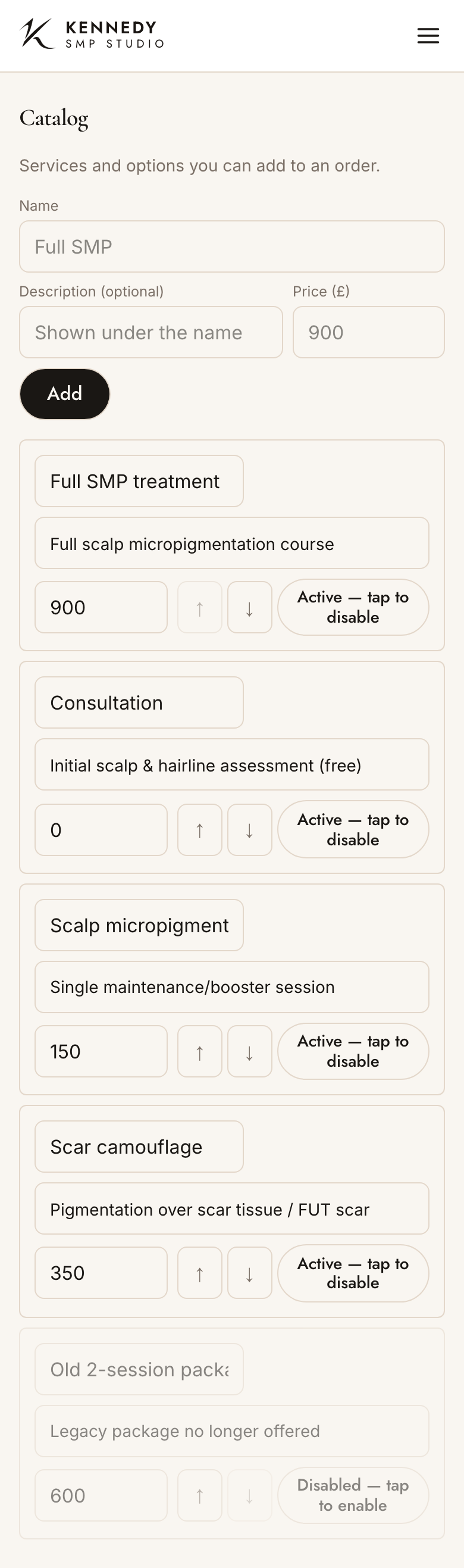
Tip: a free “Consultation” at £0 is a handy catalog item — it lets you start an order and book a consult without inventing a price each time.